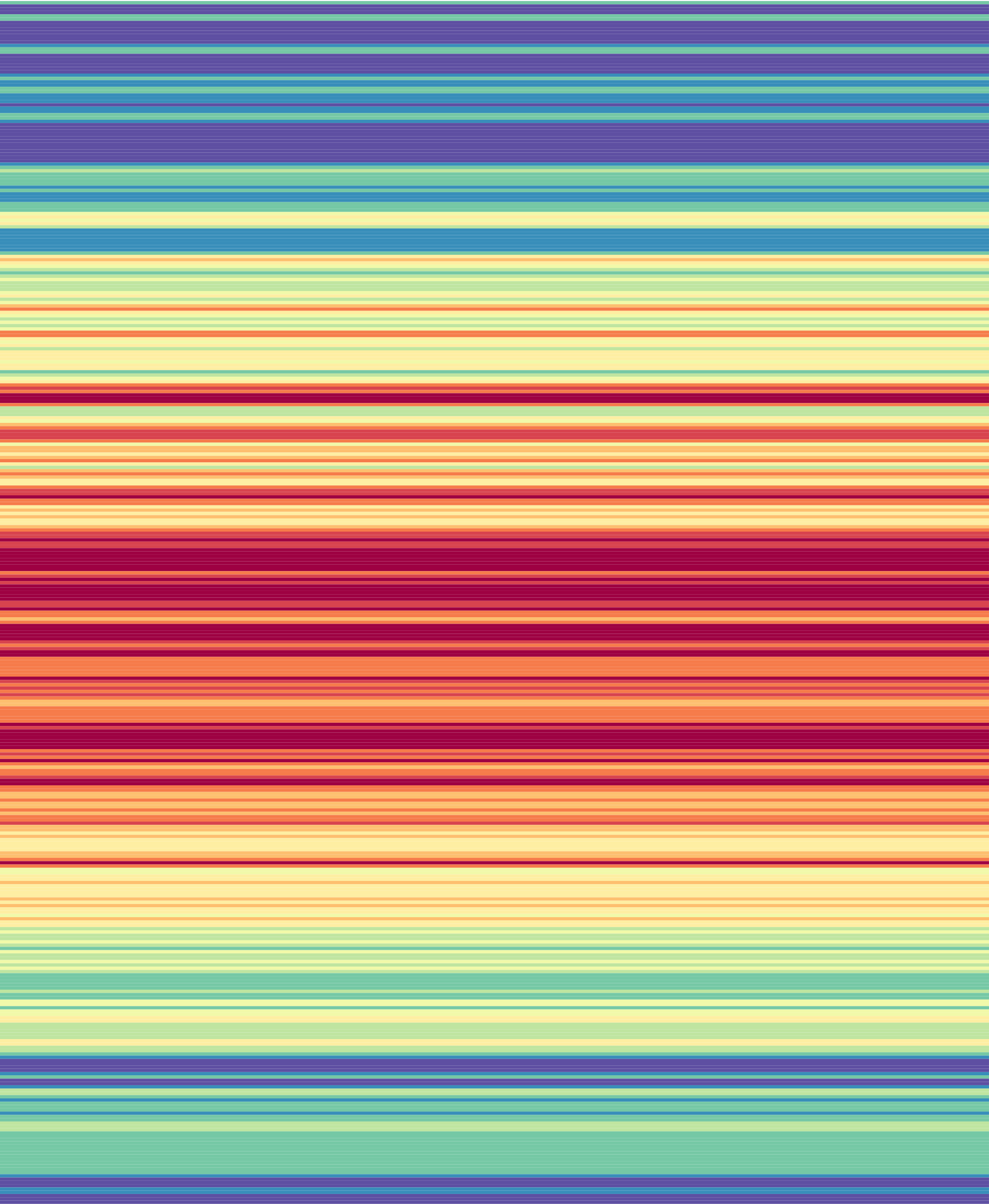
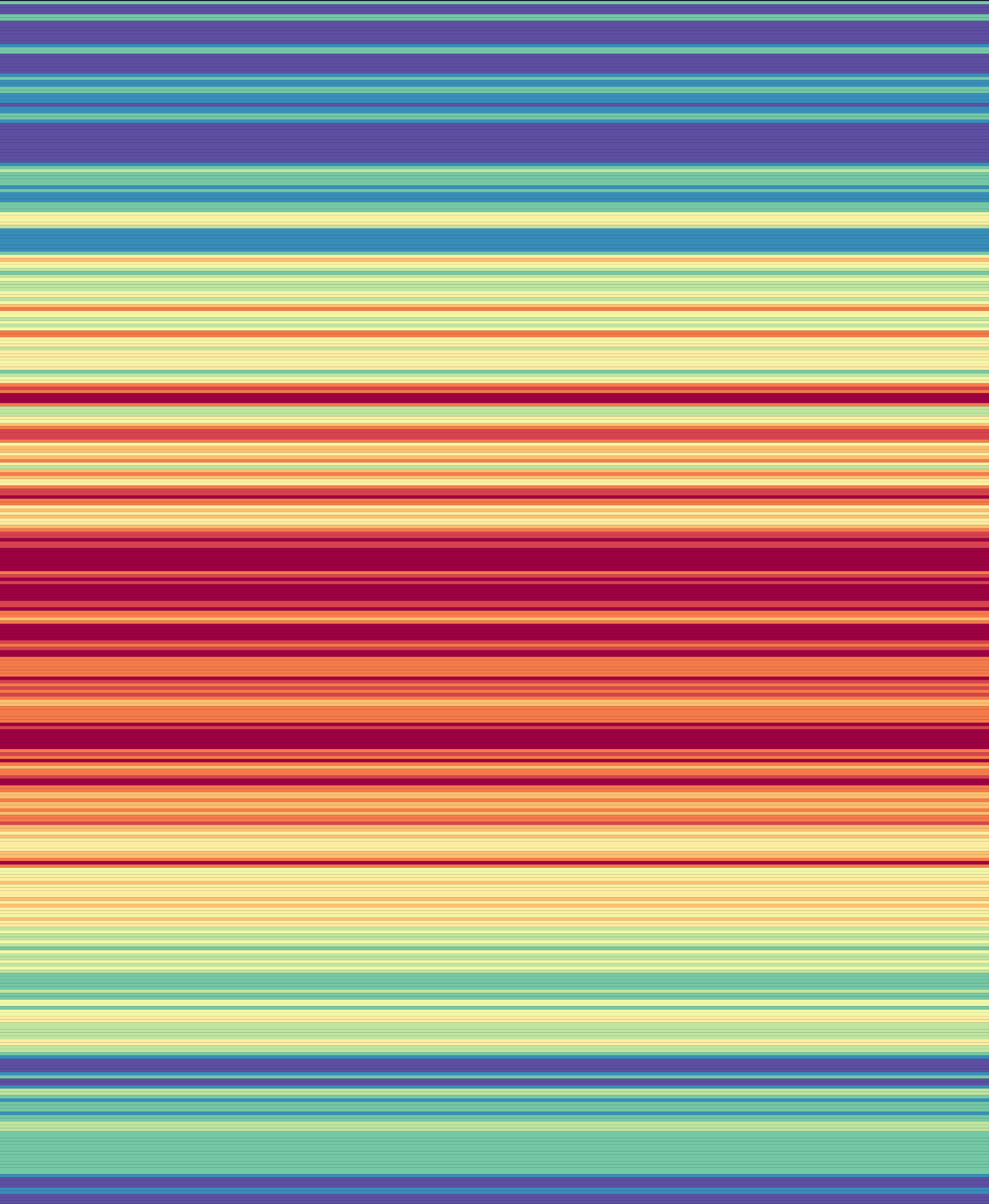
The preview shows what your blanket could look like, with your weather and your colors. It's a picture to plan with, not a pattern: a real blanket won't look exactly like it, and how you crochet or knit each part is up to you.
Choose a Pattern
Choose a Pattern above the preview. With weekly weather, each "day" below is a week.
- 12-Point Star
- Each of the 12 points is a month, January at the top and going clockwise. Each chevron row in a point is one day, from the center outward. Works best with a whole year, January 1 to December 31.
- Calendar
- Squares in a calendar grid, grouped by month.
- Chevrons
- A row of zigzags for each day, from top to bottom.
- Continuous Square
- One square, growing round and round from the center, like a granny square or a moss (linen) stitch square.
- Corner to Corner
- Lines worked back and forth on the diagonal, starting from the bottom right.
- Daytime Rows
- Each row is split by that day's daylight: daylight stitches are the row's stitches × hours of daylight ÷ 24, and the rest are night.
- Hexagon Rounds
- Each round of a hexagon is one day. Hexagons go left to right, top to bottom.
- Hexagons
- Each hexagon is one day, left to right, top to bottom. Each of its rounds can use different weather, and you can add hexagons at the start or between months.
- Month Rows
- Rows grouped by month, top to bottom or left to right. Shorter months get extra rows, so every month is the same size.
- Month Squares
- Each square is a month, and each round of it a day, the 1st in the center. Shorter months get extra rounds.
- Rows
- A row of stitches for each day, from top to bottom: the classic temperature blanket.
- Split Month Squares
- Like Month Squares, but each round is split in half to show two kinds of weather.
- Square Rounds
- Each round of a square is one day. Squares go left to right, top to bottom.
- Squares
- Each square is one day, left to right, top to bottom, like a granny square blanket.
Press Information above a preview for more about its pattern and what's in this one.
Settings
Each pattern has its own settings, below the preview. Most have:
- Which weather: like Color Each Row Using the Day's High, Average or Low Temperature, Rain… Choose more than one to split each row or square between them.
- Size: stitches per row, or how many squares or hexagons across and down.
- Accent Color: for anything that isn't a day, like padding at the end of a row or squares to fill a grid.
- Borders: a border color and size, for patterns made of pieces.
Squares and hexagons have a designer, to choose what each round shows. Daytime Rows chooses where the daylight stitches go.
Using the Preview
- Touch or click a row or square to see its date and weather.
- Point at a color in the gauge to see where it's used in the preview.
- Download Image, in the preview's Share menu, saves it as a picture. More downloads.
Progress
Progress is the last day you've made. It counts every location's days up to that day, so "62% made" means 62% of the project's days.
- Set it in Progress: the progress button above the preview, the Project menu, or a day's circle in the weather table all open it. ‹ and › move it a day; tap the date to pick any day.
- Once it's set, View › Show my progress shows the days not made yet in faded gray; turn it off to see every day in color.
- When you check for updated weather, days you've made aren't offered for update, so your blanket and the project still match.
Progress is saved with your project and is only for you. A link or a copy of the project starts with no progress.
Seasons
Seasons color each row by different weather at different times of year: say, high temperatures in spring and summer, and low temperatures in fall and winter.
- In the preview's settings, turn on Seasons. It's there for the Rows pattern.
- Choose the weather for each season.
- To change when a season starts and ends, press its name, then pick a preset or set your own dates.
A day that isn't in any season uses the Accent Color. If seasons overlap, a day takes the first one it's in: spring, then summer, fall, winter.
Seasons are new (in beta). If something doesn't work as you expect, please let me know.
Related Guides
- Plan a Blanket, Start to Finish: Every step of a temperature blanket project, from choosing a place to printing the pattern.
- Rain, Snow and Sunshine Blankets: Blankets for rain, snow or daylight instead of temperature, and how their ranges work.
- Print the Pattern and Track Your Progress: Download the pattern as a PDF or spreadsheet, and keep your place as you work.